Prerequisites
Permissions to View the alerts work page required.
Overview
The Evidence tab on the alerts work page displays the evidence that the system referenced to produce the alert. For many alerts this means the players transactions and gameplay like wagers, wins, and loses. You will see sub-tabs across the top of the Evidence tab when other evidence is available. The SARs view appears only when a previous SAR is one of the alert's contributing factors.
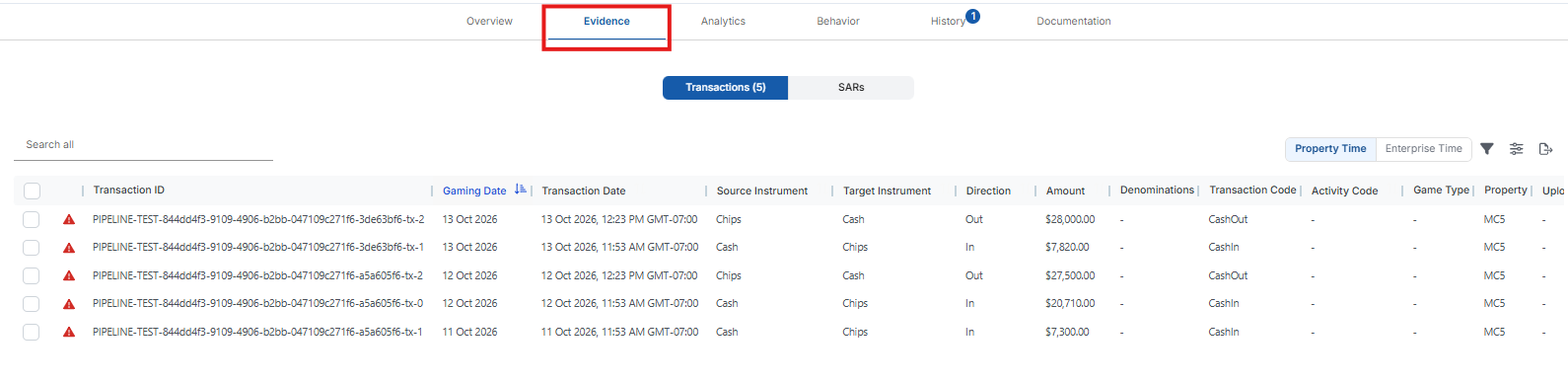
The transactions table in the evidence tab largely resembles the transaction table used across the platform, but it also includes a number of important additional features including:
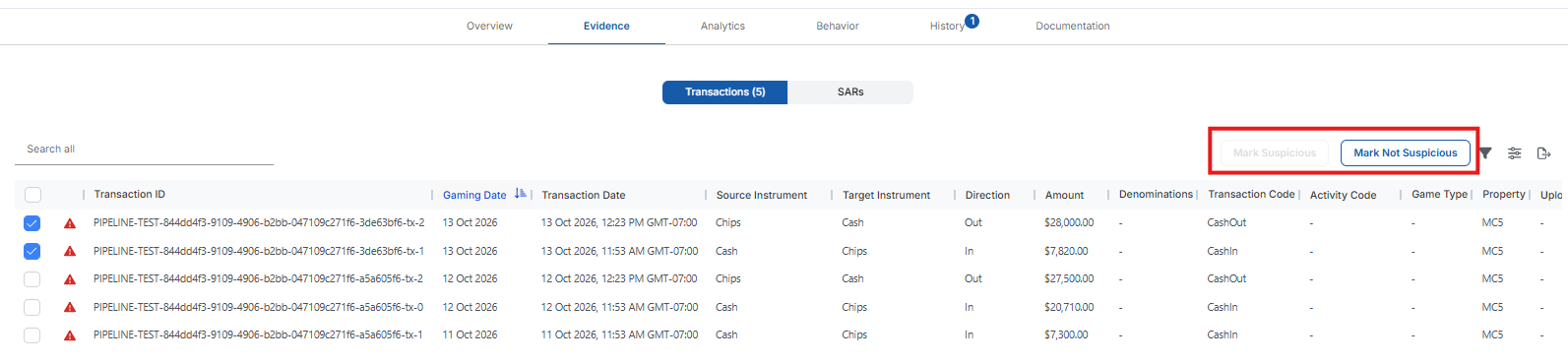
Suspicious transaction icon, which is a red triangle on the first column of the table identifying transactions the system flagged as suspicious. These transactions will be automatically added to the case if you open a case from this alert. You can remove transactions or mark additional transactions as suspicious by marking the checkbox to the left of the transactions row on the table and using the buttons on the top right of the table to make the transaction as suspicious or not suspicious.
If pattern qualification is on, the table includes the transactions from every qualifying event, marked as suspicious. The Event column shows which event each transaction belongs to.
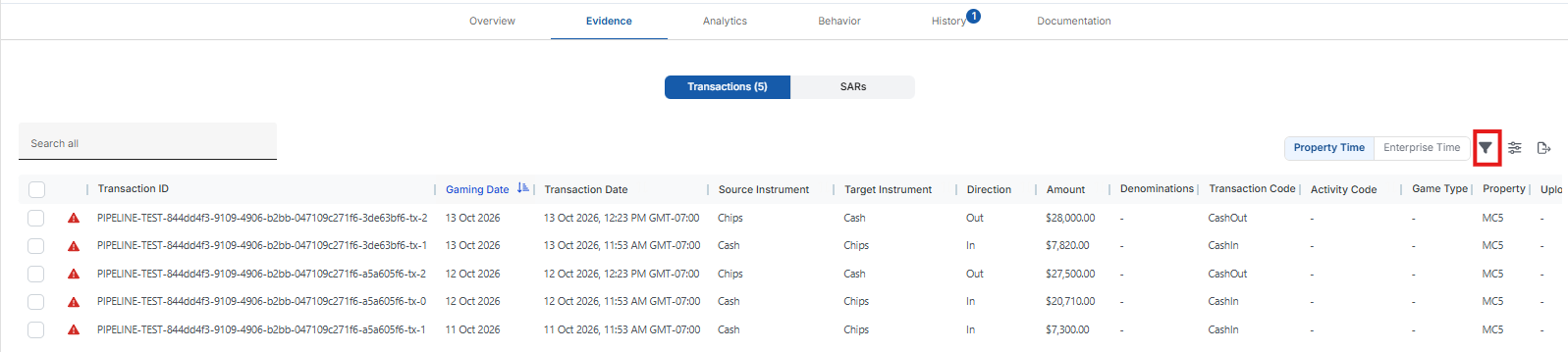
The table filter on the top right of the table allows you to view all the transactions in Kinectify for the player.