Prerequisites
Permissions to View/Edit Alerts Settings required
Overview
The alert window is the timeframe the alert engine uses to analyze transactions for suspicious activity. Each alert type can have its own configurable window. A common default is a rolling 30-day period, meaning only transactions within that timeframe are considered. Transactions outside the window are excluded from analysis.
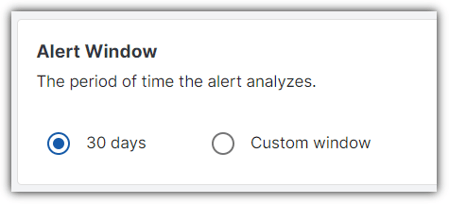
To determine which transactions are included in alert analysis, it’s important to understand three key components:
When the alert is scheduled to run (found in the Standard Alert Configuration banner).
The settlement period, which defines how long the system waits for transactions to be finalized before including them in alert analysis.
The alert window, which defines the historical time range the system looks back on to detect patterns of suspicious behavior.
For example, if an alert is scheduled to run weekly, with a 14-day settlement period and a 15-day alert window, the system processes the alert as follows:
The alert runs on May 14.
The settlement period covers May 1–May 14.
The alert window covers April 16–April 30.
In this scenario, only transactions that occurred between April 16 and April 30 and were finalized (i.e., not within the settlement period) will be included in the alert analysis. Transactions from May 1 to May 14 are still within the settlement period and will be excluded until the next alert cycle.
This configuration will cause the warning banner to indicate an overlap in the analysis period that may lead to duplicate alerts.
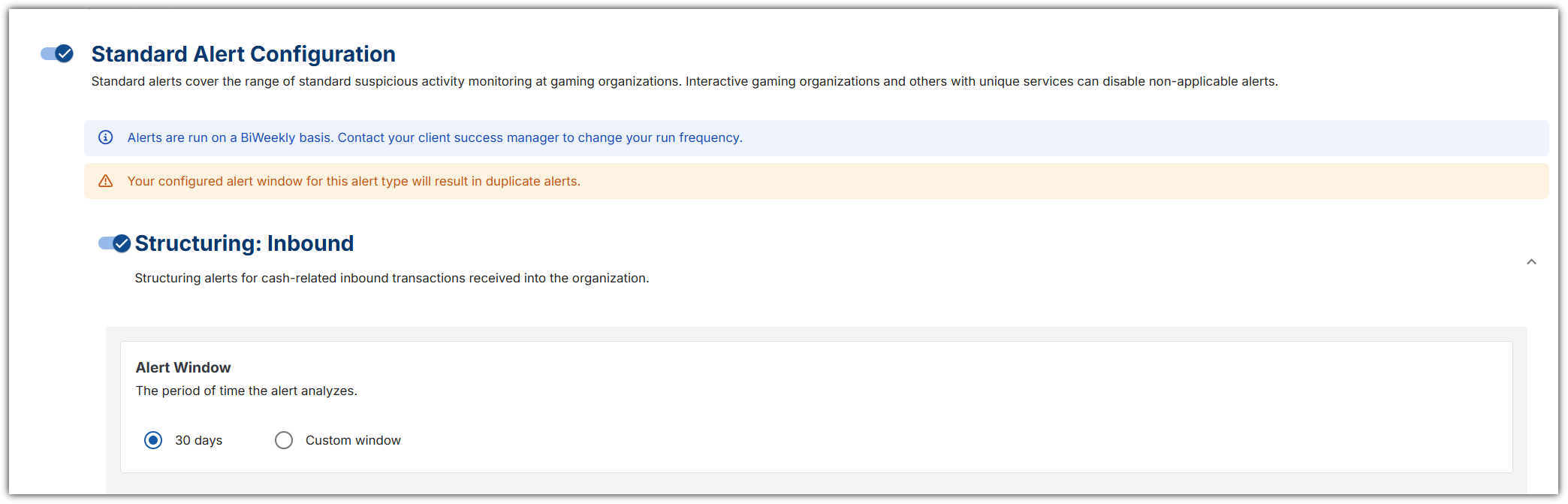
If the alert window is changed, it will only affect newly created alerts moving forward and will not be retroactive.