Prerequisites
Permissions to View the alerts work page required.
Overview
Notes and attachments for an alert are on the Documentation tab. The tab has two sections, Documentation and Attachments:
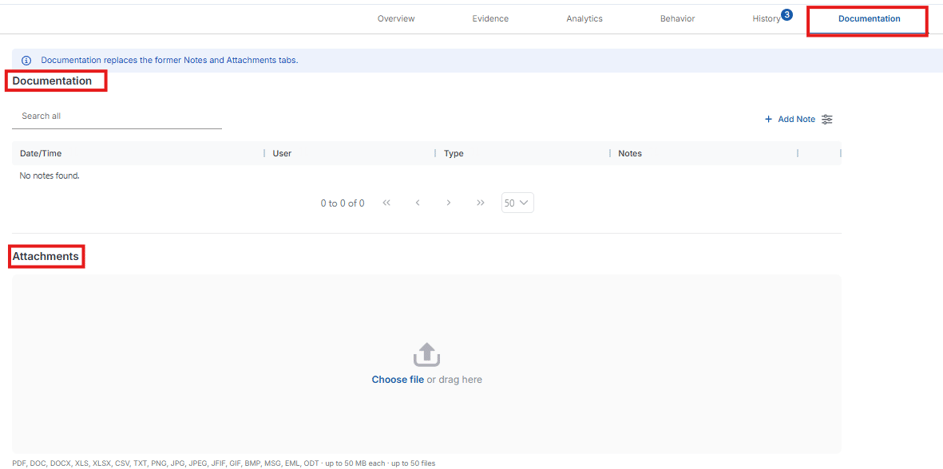
Documentation – where you add and read notes about the alert, so other users can see them.
Attachments – where you upload and view supporting files.
Steps to Add Notes and Attachments
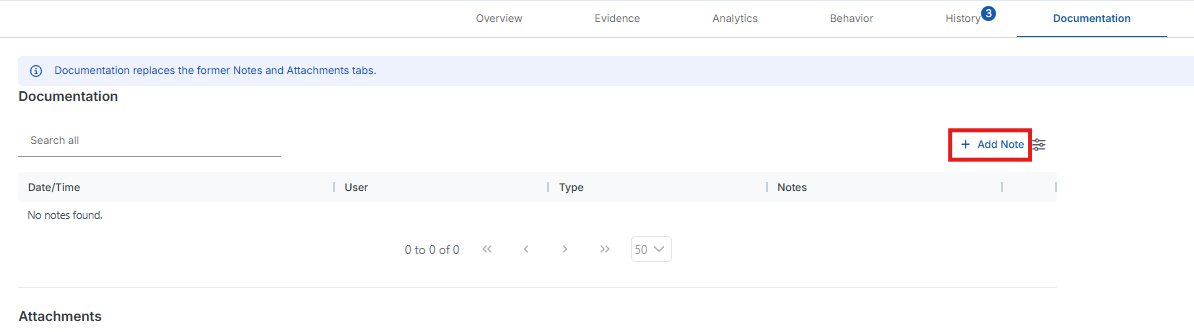
Open the Documentation tab. In the Documentation section, click Add Note to add a note.
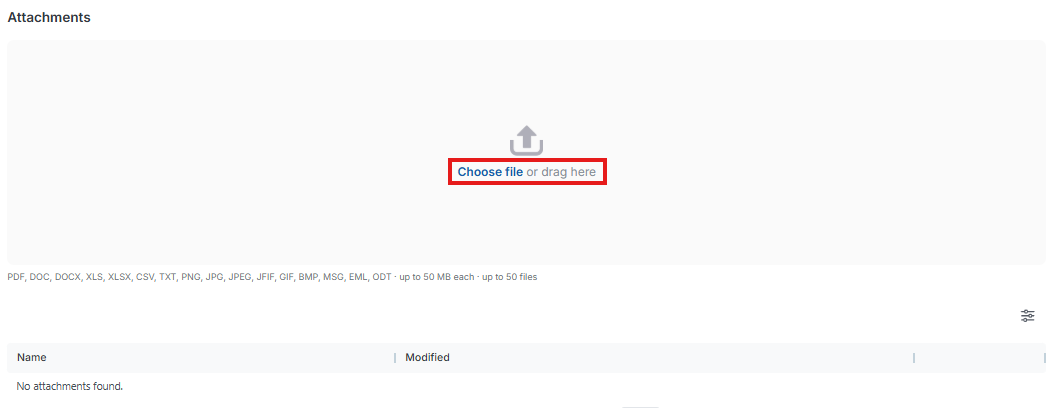
In the Attachments section, drop a file in the drop zone or click the Choose file link to add an attachment.
Expected Result
Your notes and attachments are added to the tables in the Documentation and Attachments sections.
Additional Tips
Notes and attachments are automatically carried through to the case if a case is created from the alert.
Notes and attachments on alerts and cases remain there and do not aggregate on the player profile or any other location in Kinectify at this time.