Prerequisites
Permission to Create in the Cases module
Overview
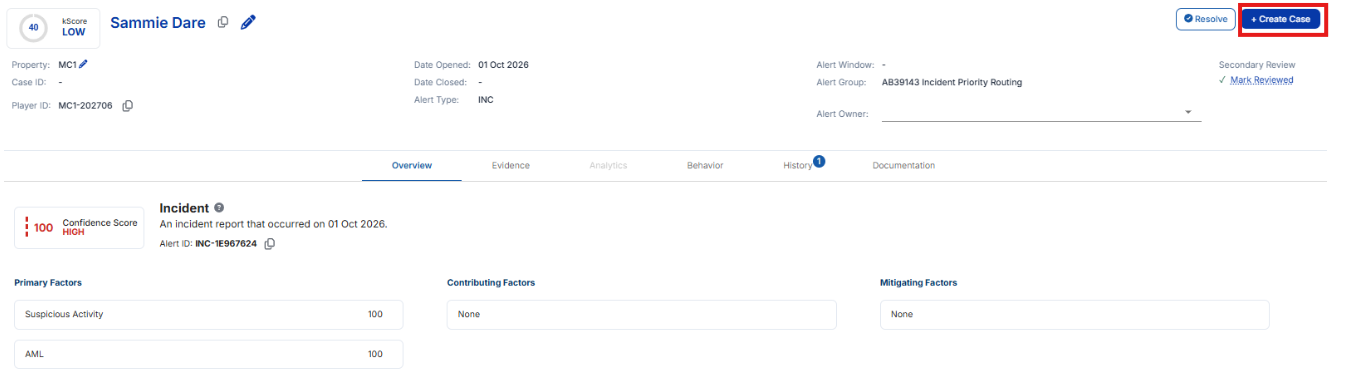
In the Alerts Work Page, you can create a case directly from an alert by clicking the + Create Case button, which is located in the top-right corner next to the Resolve button (or the Reopen button on a resolved alert). When clicked, a confirmation modal appears. If you have access to more than one property, choose the case's Primary Property and any Secondary Properties that can view and edit the case.
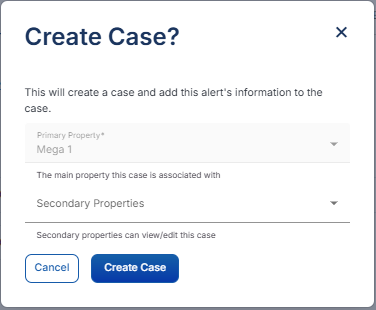
If the player already has open cases, you’ll be prompted to either link the alert to an existing case or create a new one. All relevant alert details—such as player information, suspicious transactions, notes, and attachments—are automatically transferred to the case.
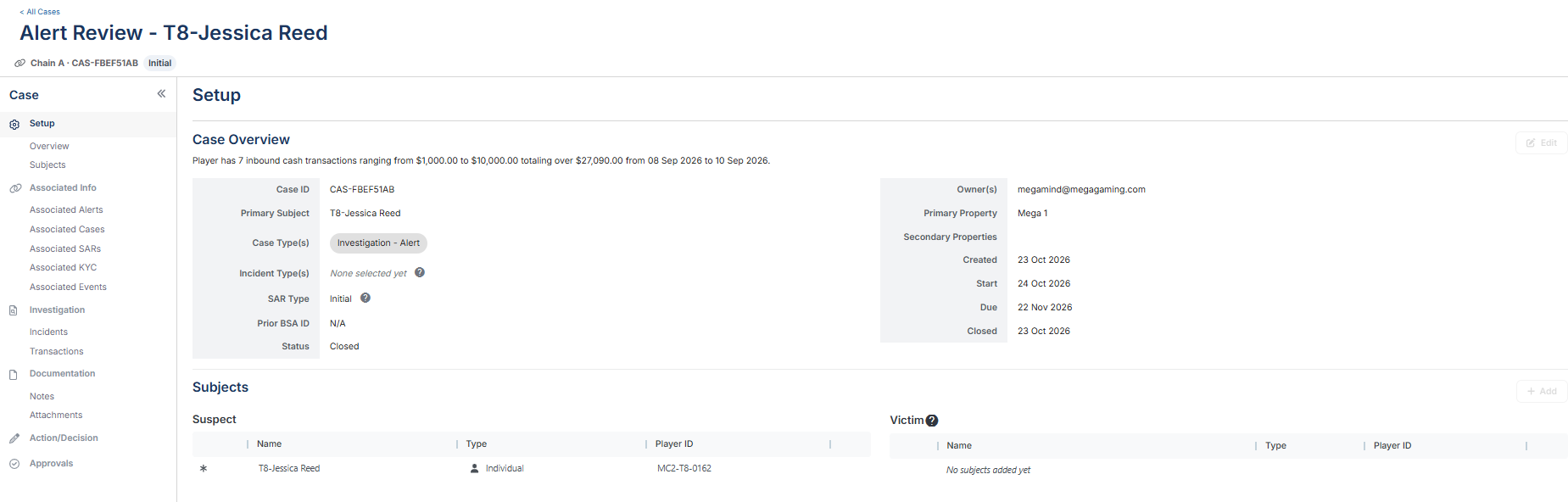
After the case is created, Kinectify opens it. Back on the alert, the button now reads Edit Case and takes you to the case. An alert that already belongs to a case shows Edit Case instead of + Create Case, so you can't create a second case from it.
Expected Result
A new case is created (or an alert is linked to an existing case), and all relevant alert data is transferred to the case.